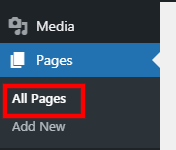
1. Go to Pages > All Pages.
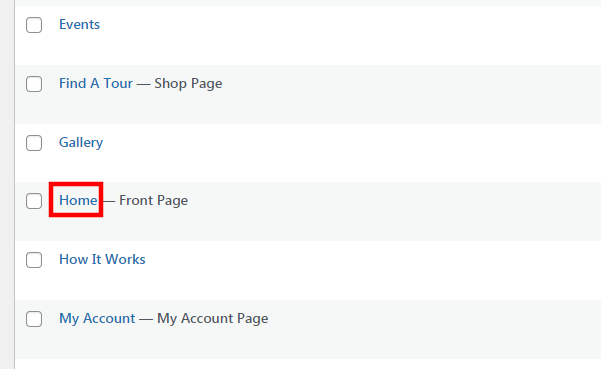
2. Click on the page title that you wish to update, e.g. "Home".
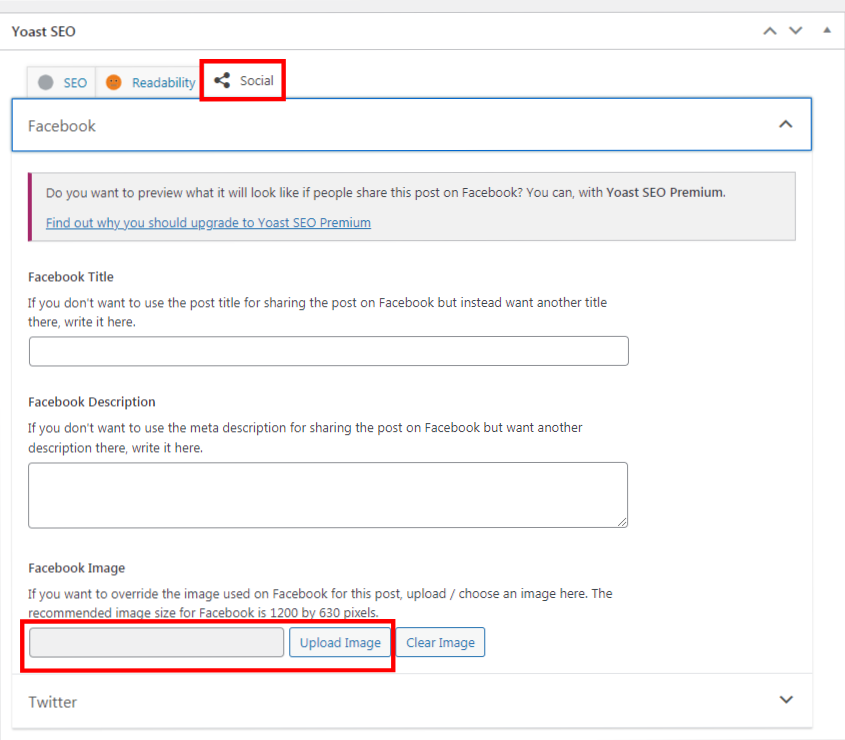
3. Scroll down to the "Yoast SEO" title.
4. Click on the "Social" tab.
5. Upload your image under "Facebook Image" field, the recommended size is 1200px (width) x 630px (height).
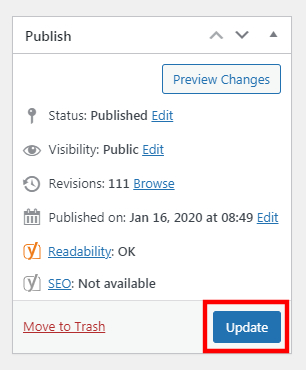
6. Click "Update" once done.
Was this article helpful?
That’s Great!
Thank you for your feedback
Sorry! We couldn't be helpful
Thank you for your feedback
Feedback sent
We appreciate your effort and will try to fix the article