Step 1 : Go to Dashboard > Products > Categories
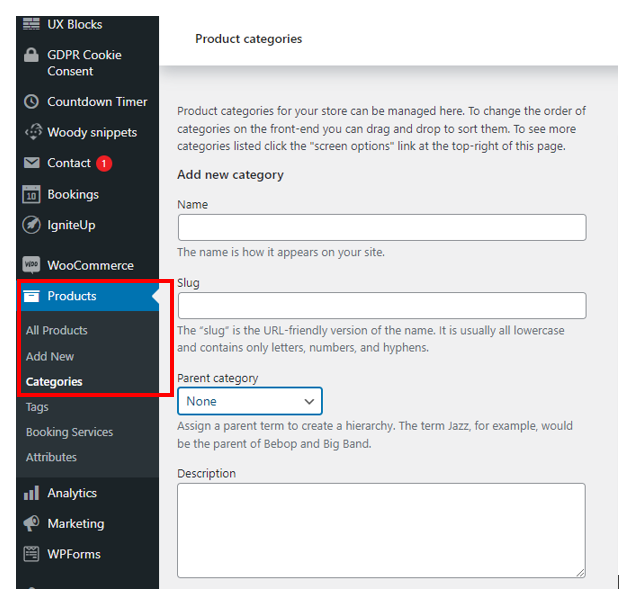
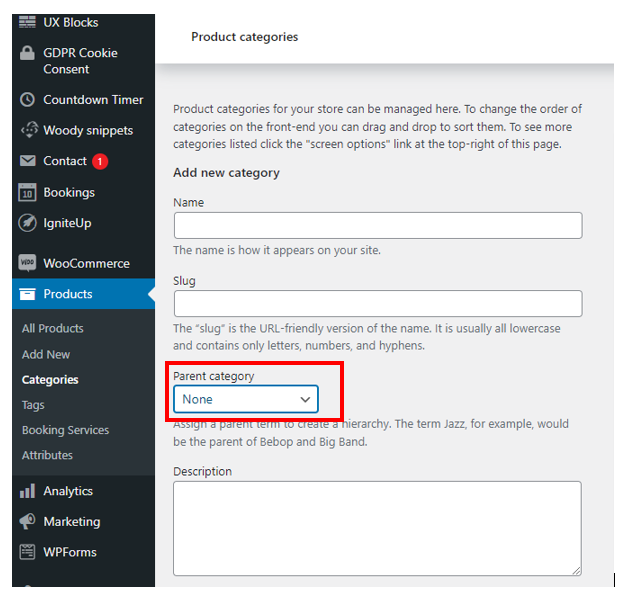
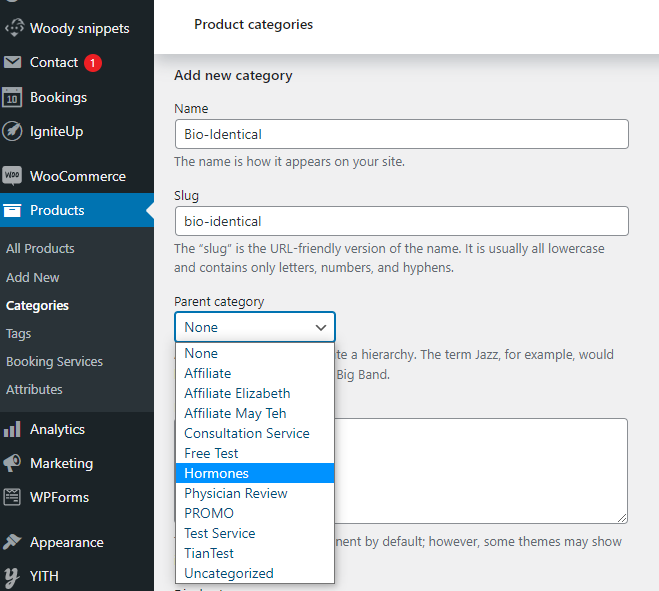
Step 2 : Fill in the category name , slug and choose the parent category from the dropdown list.
Refer to example below :
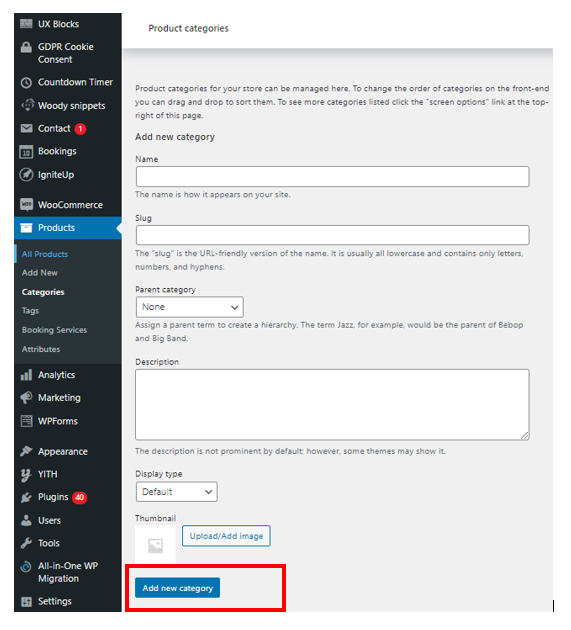
Step 3 : Once you have fill in the details, click Add new category
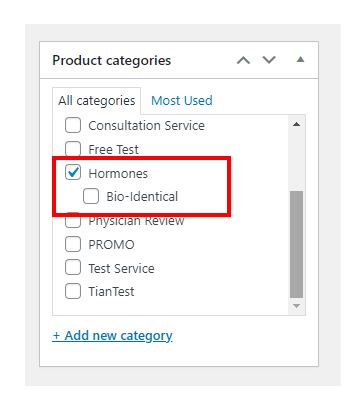
On Product page, you should be able to see the sub-category
Was this article helpful?
That’s Great!
Thank you for your feedback
Sorry! We couldn't be helpful
Thank you for your feedback
Feedback sent
We appreciate your effort and will try to fix the article