1) Log into Webmail. (example@webmail.com)
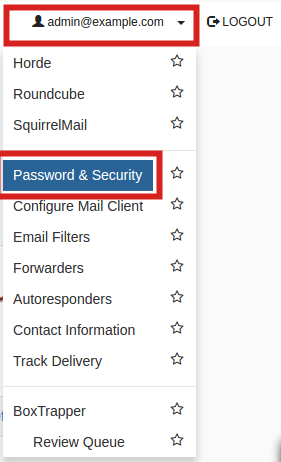
2) Click your email address in the top right corner, then click the Password & Security link.
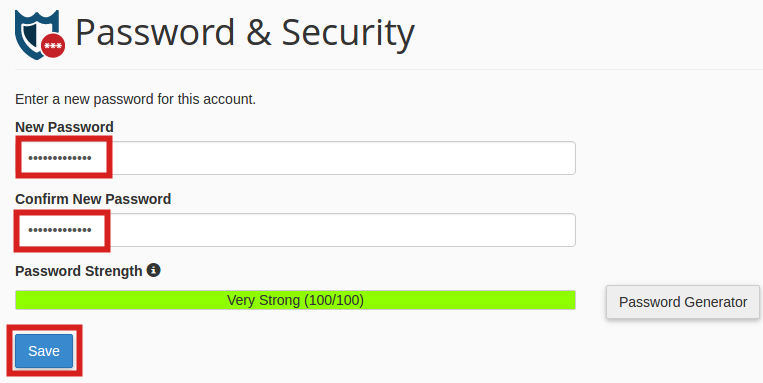
3) Type your new password in both boxes, then click the Change Password save button. Note you must use a strong password (strength of at least 50).
Was this article helpful?
That’s Great!
Thank you for your feedback
Sorry! We couldn't be helpful
Thank you for your feedback
Feedback sent
We appreciate your effort and will try to fix the article