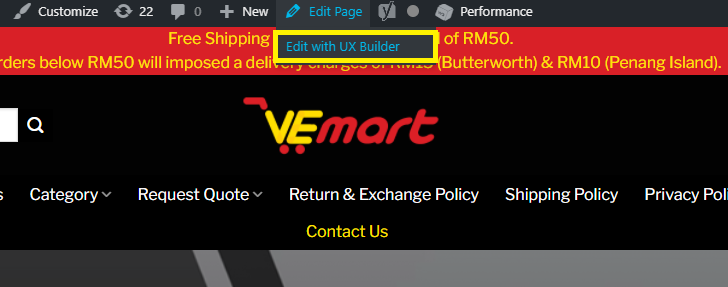
A. Navigate to the contact us page and select ux builder
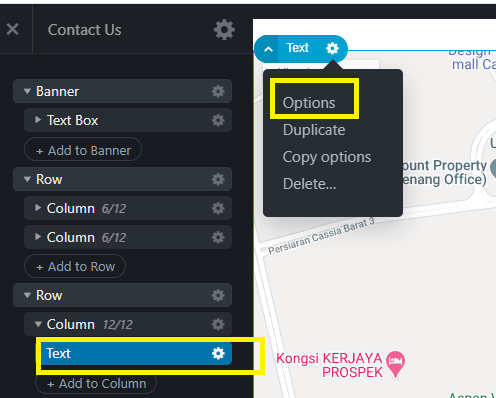
B. click on the setting icon and select "Option" This is where you will be adding the map code.
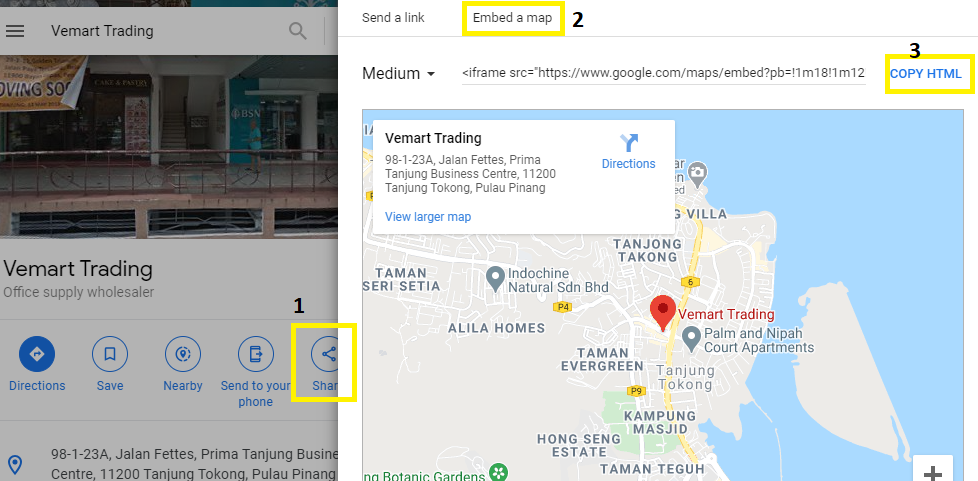
C. To embed the map to your website. please follow below step.
1. Click on "Share" button
2. once you click on share button, there will be a popup to "Embed a map".
3. Lastly, you may click on "COPY HTML" to copy the code to be paste in your website.

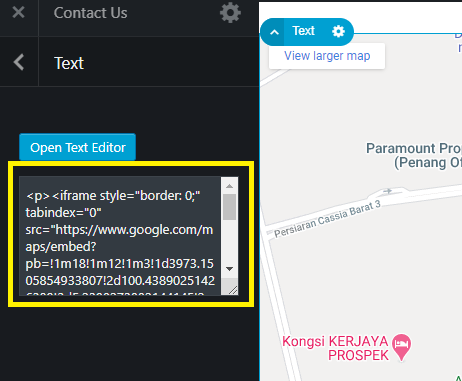
D. From step B, you may click on "Options"
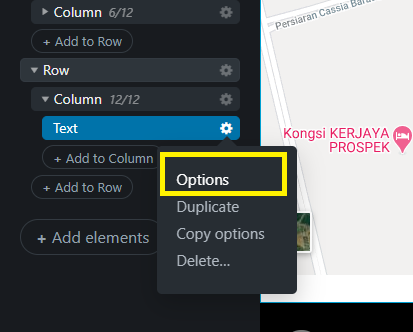
E. You may paste the code copied in step C. and click on apply and update update button to update the page.
Thanks
Was this article helpful?
That’s Great!
Thank you for your feedback
Sorry! We couldn't be helpful
Thank you for your feedback
Feedback sent
We appreciate your effort and will try to fix the article