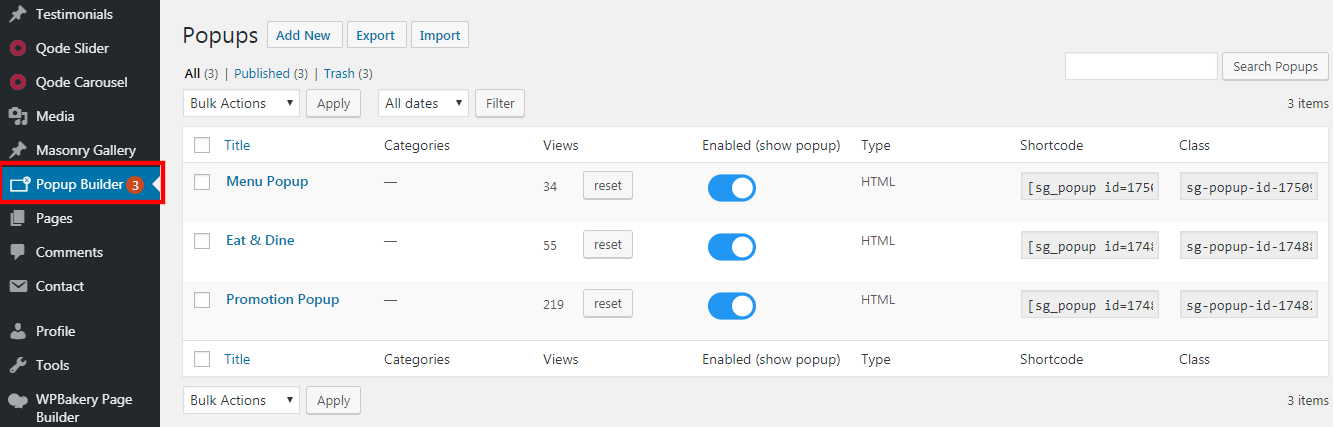
1. Go to Popup Builder.
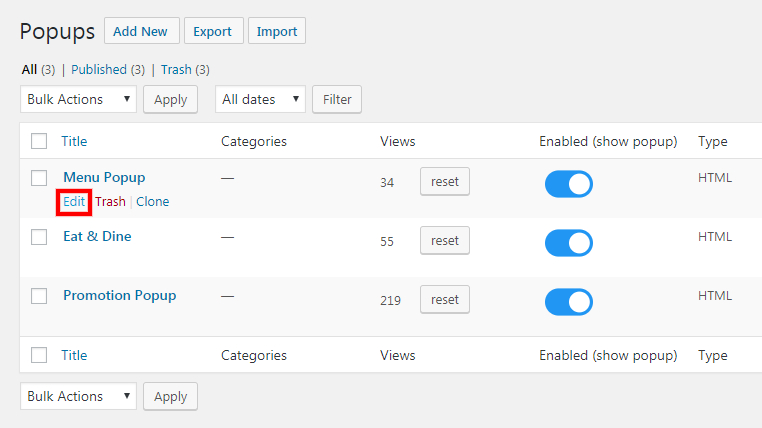
2. Click on "Edit".
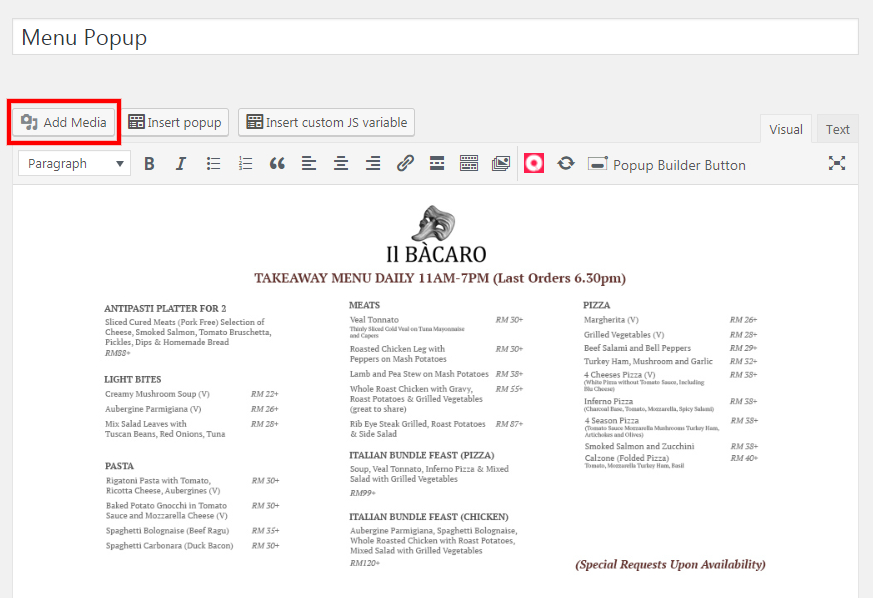
3. Click on "Add Media" to change the image.
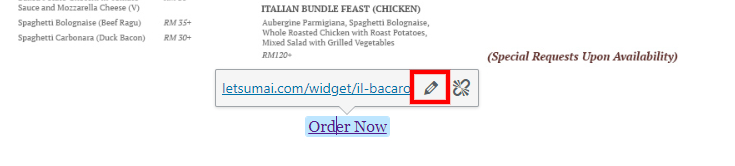
4. Click on your link > pencil icon to change the link URL.

5. Change the URL.
6. Click on enter icon to update it.

7. You may set here to display the pop up on relevant page.
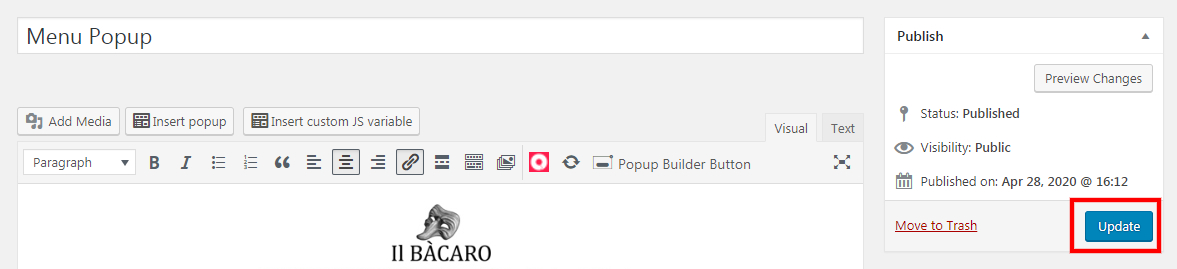
8. Click "Update" once done.
Was this article helpful?
That’s Great!
Thank you for your feedback
Sorry! We couldn't be helpful
Thank you for your feedback
Feedback sent
We appreciate your effort and will try to fix the article